At booking
Confirm the details in writing
Repeat the treatment, day and time. Ask for a reply so the appointment is confirmed by the patient, not assumed by the clinic.

Free clinic tool · No email needed
WhatsApp Reminder Message Generator for Clinics answers a question clinic owners ask in plain language: everyone knows they should remind patients. The blank message box is where it stops — so nothing is sent, or a one-way text is sent with no way to confirm or reschedule. Use your own appointment details below — no email, no signup, nothing is sent anywhere. The result runs in your browser.
Four messages, one sequence: confirm at booking, remind at 24 hours, nudge at 2–3 hours, follow up if they miss.
The generator
A WhatsApp appointment reminder template generator for clinics. Use a real appointment — the wording is fixed; only your details change.
How it is built
This is a generator, not a calculator. The wording is fixed and tested; the only things that change are your clinic's own details. Four parts do the work:
Part 01
Say who is messaging
“Hi, this is Glow Clinic.” A patient should know the sender before the first comma.
Part 02
Name the treatment and the exact time
Treatment, day, time. The details are the message; there is no need for a paragraph around them.
Part 03
Give exactly two actions
C to confirm, R to reschedule — the same two letters in every message, so the patient learns them once.
Part 04
Sign off with the clinic
The clinic name at the end closes the loop and keeps a forwarded screenshot clear about who sent it.
Why the codes stay the same
C and R mean the same thing in every message. The same-day follow-up uses 1 and 2 instead, because reusing C and R for something else would undo the one thing patients have already learned.
Worked example
An example only — not a real clinic's data.
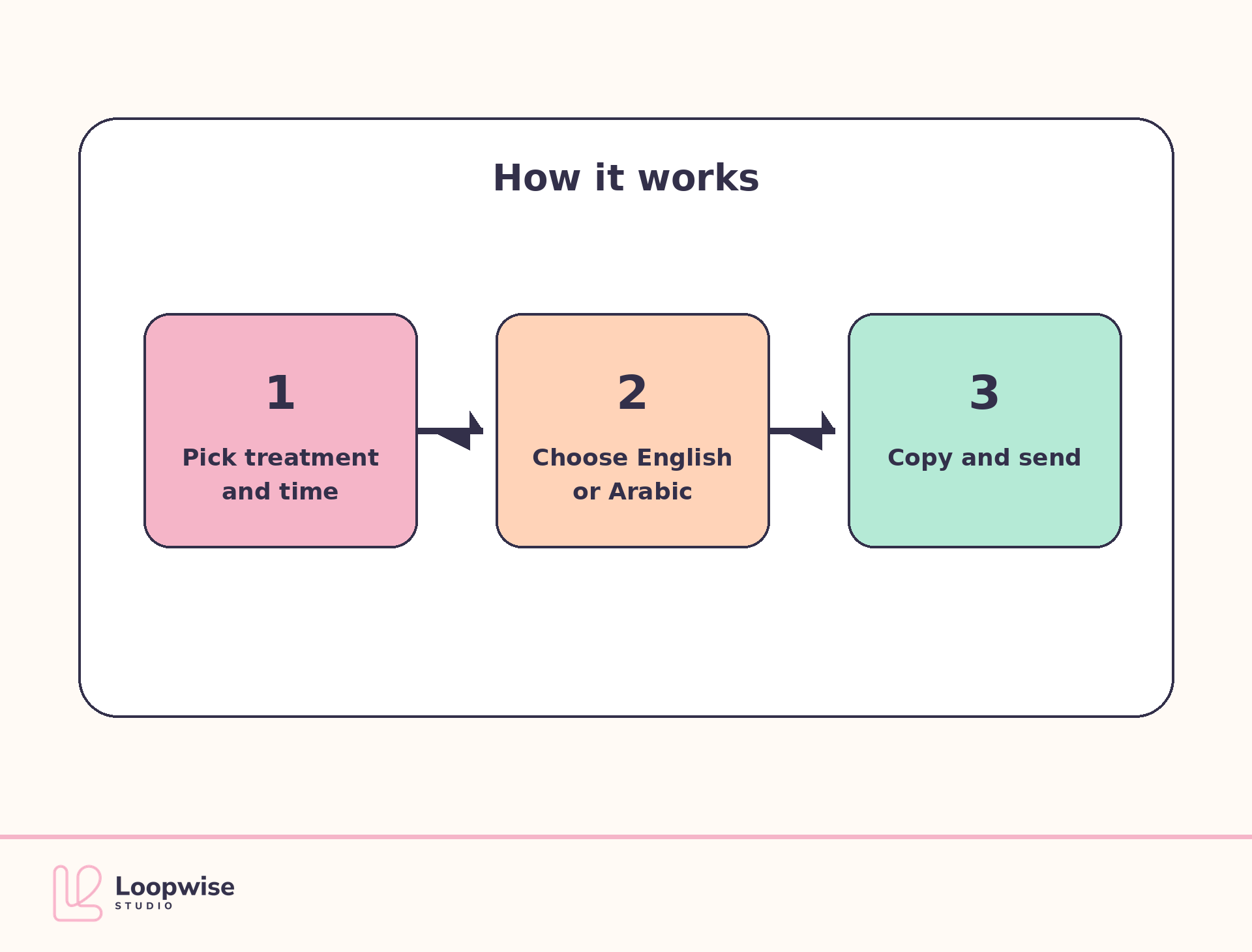
24-hour reminder
“Hi, this is Glow Clinic. Your HydraFacial is tomorrow at 10:30 AM. Reply C to confirm or R to reschedule and we will offer you another time.”
The wording stays the same every time so patients learn what C and R mean. Change the inputs and only the details change.
The sequence
One reminder the day before does not catch a same-day change of plan. Four short messages, sent at four fixed points, cover the whole gap.
The timings matter more than the length. Pick the same four points every week and keep them.
At booking
Repeat the treatment, day and time. Ask for a reply so the appointment is confirmed by the patient, not assumed by the clinic.
24 hours before
One line and the same C and R prompt. A patient who can reschedule in the same thread does not have to go quiet to cancel.
2–3 hours before
This is the nudge for the patient whose day has already moved. Short, one question, no guilt.
Same day, after a miss
Ask whether they want the next available times. A friendly follow-up keeps the relationship open and gives the patient an easy way back in.
Context
The open-rate comparison is vendor-reported context. The useful difference is structural: a reminder you can reply to is not a one-way text.
90%+
WhatsApp, vendor-reported
Open rates in healthcare contexts are commonly quoted at this level. A vendor figure, not a universal rate.
~20%
The comparison usually made by the same vendors. Treat it as context, not a target for your clinic.
45%
SMS
Also commonly quoted against WhatsApp. It is not a promise about your patients or your reminders.
2-way
The structural point
WhatsApp is a conversation, so a patient can confirm or reschedule in the same thread instead of going quiet.
Vendor-reported WhatsApp open rates in healthcare contexts are commonly quoted at 90%+, against about 20% for email and 45% for SMS. Treat those as vendor figures, not universal rates. The structural fact that matters is different: WhatsApp is two-way, so a patient can confirm or reschedule in the same thread.
Note on the evidence
Open-rate figures are vendor-reported and vary by market. The generator does not promise any open or attendance rate.
Using the messages
Four generated messages are a starting point, not a send button. Three checks before they go out.
The messages are only as useful as the details behind them. Keep the appointment exact and the sequence consistent.
A generated message is only as good as the treatment, date, time and clinic name you put in. One wrong time is worse than no reminder.
The C and R line should be the easiest part to act on. Because the wording stays the same, patients learn it once and reuse it.
One reminder the day before misses the same-day change of plan. Add the four in order and keep the timing the same every week.
From message to habit
Three steps, in order. None of them require new software on day one.
Run it on a real appointment
Use tomorrow's diary, not a sample patient, so the treatment and time are the ones you would actually send.
Add the message you are not sending
Most clinics already confirm at booking. The gap is usually the 2–3 hour nudge or the same-day follow-up.
Review after a month, not a day
Compare attendance and reply rates with the month before. If nothing moved, change the timing or the prompt, not the whole system.
Questions
Plain answers, including the ones this generator deliberately refuses to invent.
Yes, for appointment logistics only — date, time, confirm, reschedule. Never put diagnosis, test results or treatment advice in a reminder message.
Yes. Only message patients who have given you their number for appointment contact, and stop messaging anyone who asks you to stop. Check your local rules as well.
Because one reminder the day before does not catch a same-day change of plan. The sequence is: confirm at booking, remind at 24 hours, remind at 2-3 hours, follow up the same day if they miss.
From message to diary
The demo is a working booking flow, not a slide deck. Book as a patient, then flip to the owner view and watch the confirmation, reminder and follow-up steps happen without anyone making a call.
No prices are quoted on this page — final numbers come after a discovery conversation, as Loopwise always does.
Keep reading
The booking demo, the two calculators either side of this problem, and the research behind our clinic work.
Book as a patient, then flip to the owner view and watch the confirmation, reminder and follow-up run automatically.
Size what missed appointments cost before you change the reminders — the same browser-only approach.
The other leak: calls that never reach a booking, and what they cost per month and per year.
606 med spas checked website by website. Most have online booking; very few have an instant way to respond.